
 Download PicACG
Signature feature
Waifu2x page enhancement
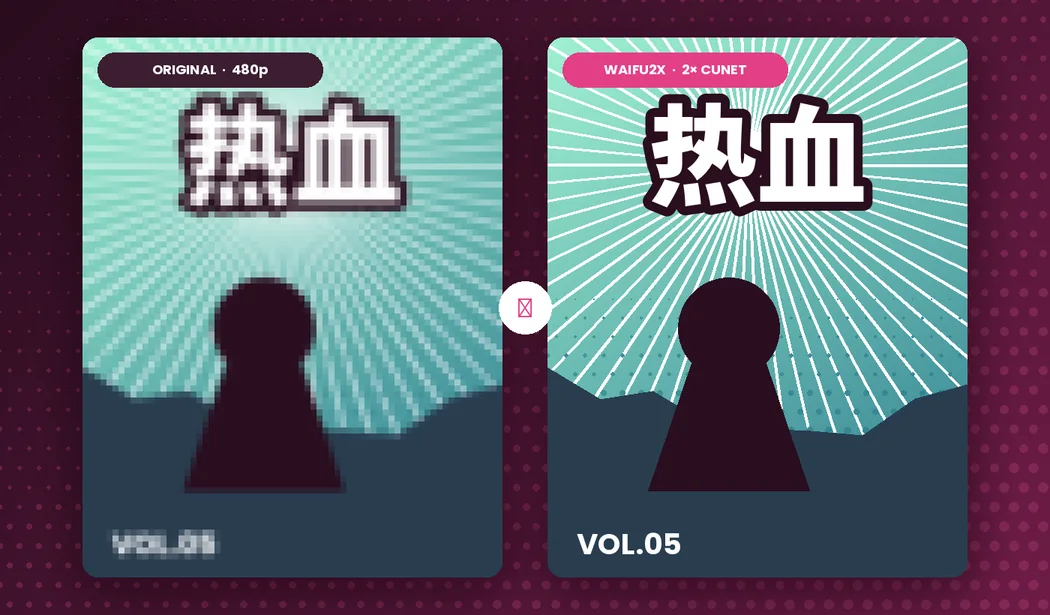
Upscale soft scans 2× with the CUNet model, clear JPEG blocks and keep screentones intact. Run it live while reading or once at download time.
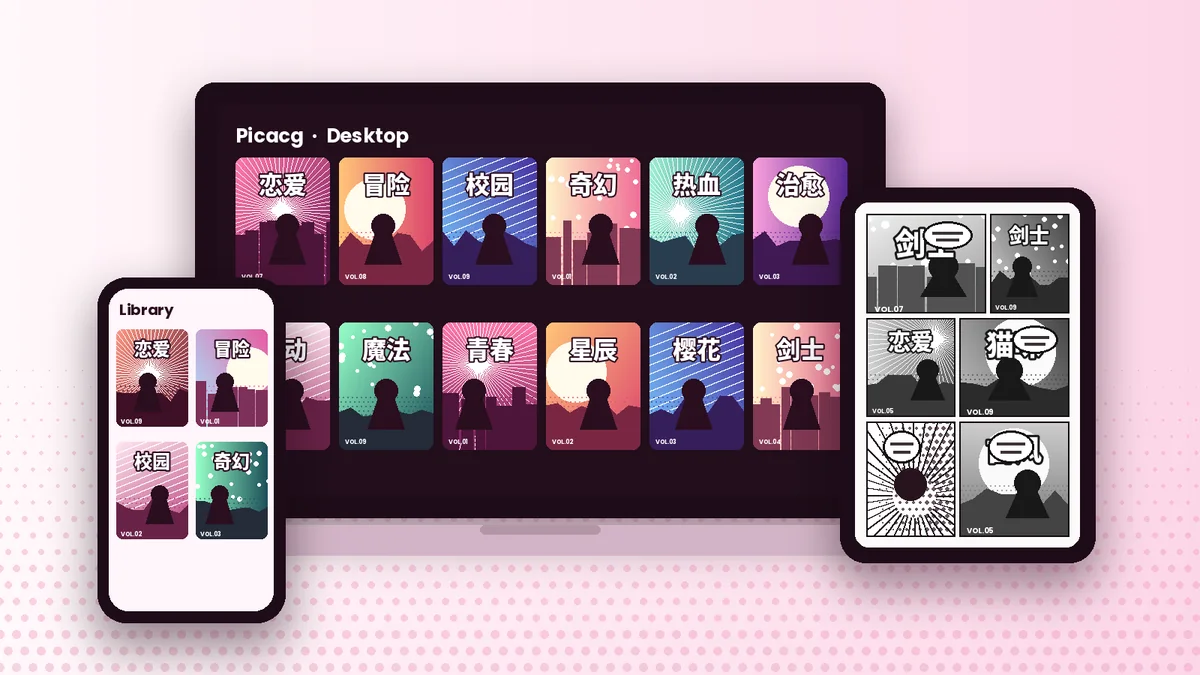
Experience digital comic reading with PicACG, a manga-focused platform associated with diverse illustrated content. Discover engaging stories, explore different genres, and navigate an organized reading environment that brings your favorite comics closer.
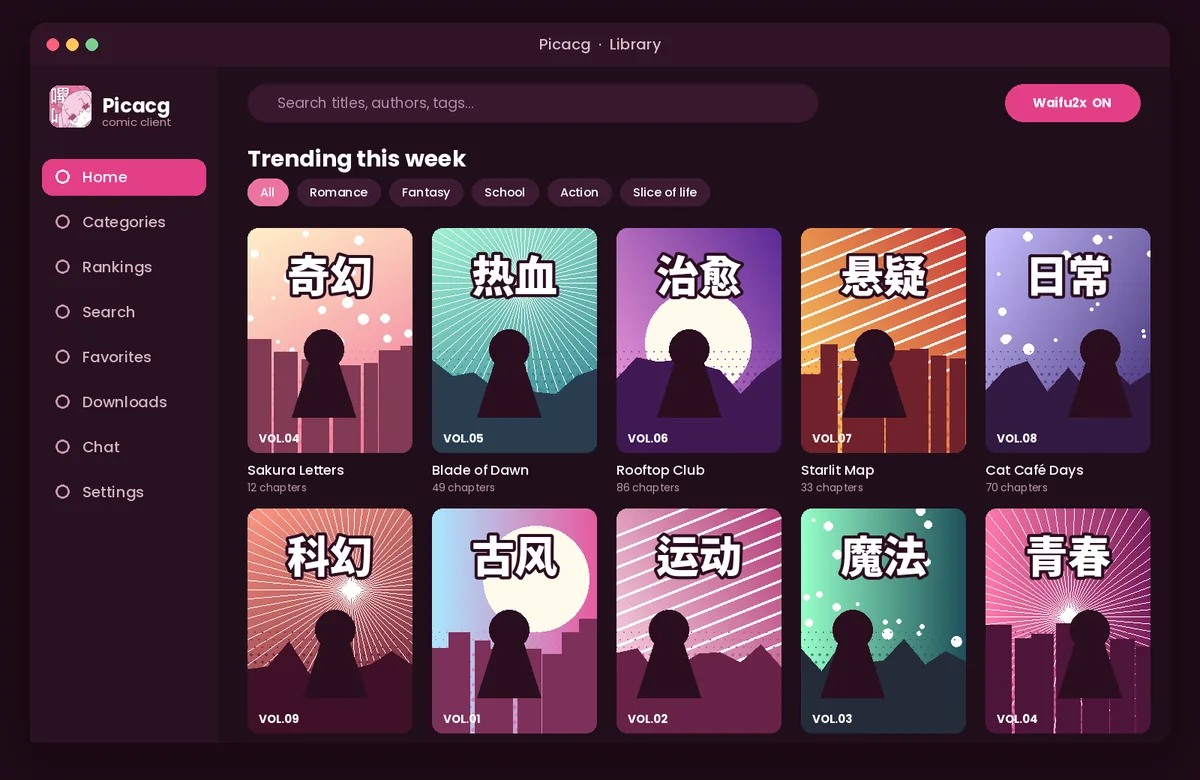

PicACG is a manga and comic platform where readers can explore illustrated stories across different genres. Browse categories, discover titles and find chapters that match your interests.
PicACG readers can use compatible clients to navigate collections, save favorites and choose a comfortable reading layout. Available features depend on the client and device.
Explore PicACG and find your next story, one chapter at a time.
Everything a comic reader should do well, without clutter or noise.
Upscale soft scans 2× with the CUNet model, clear JPEG blocks and keep screentones intact. Run it live while reading or once at download time.

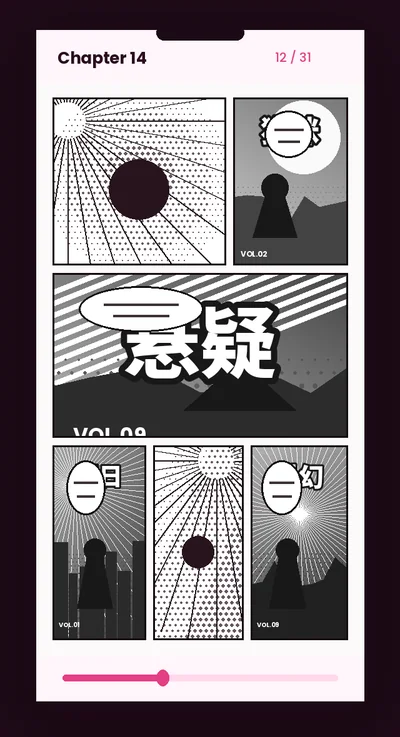
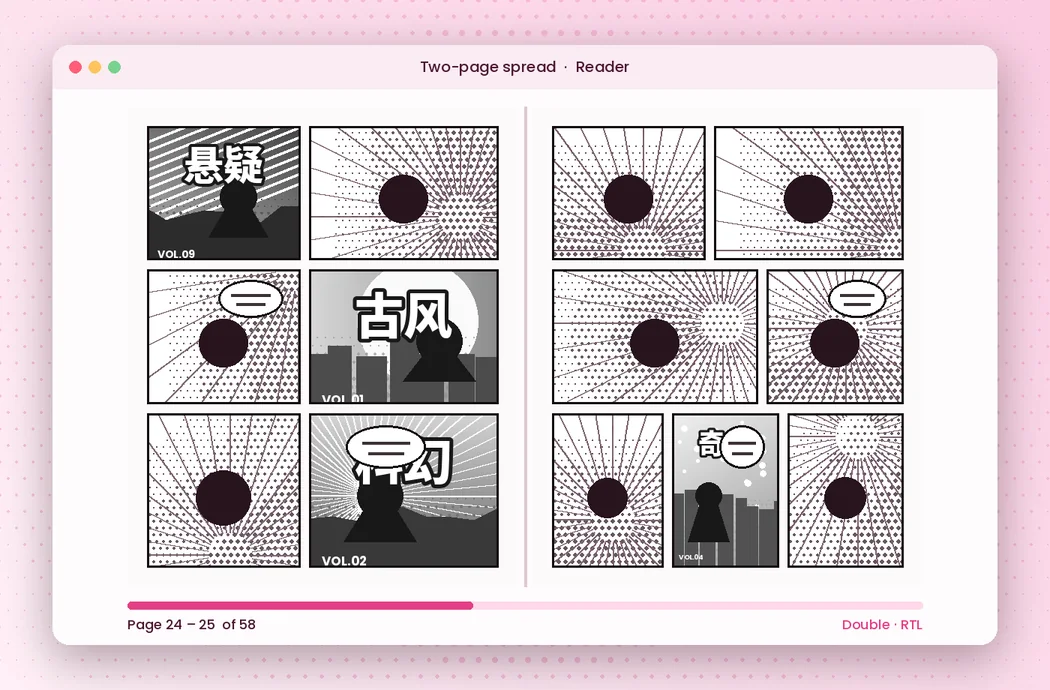
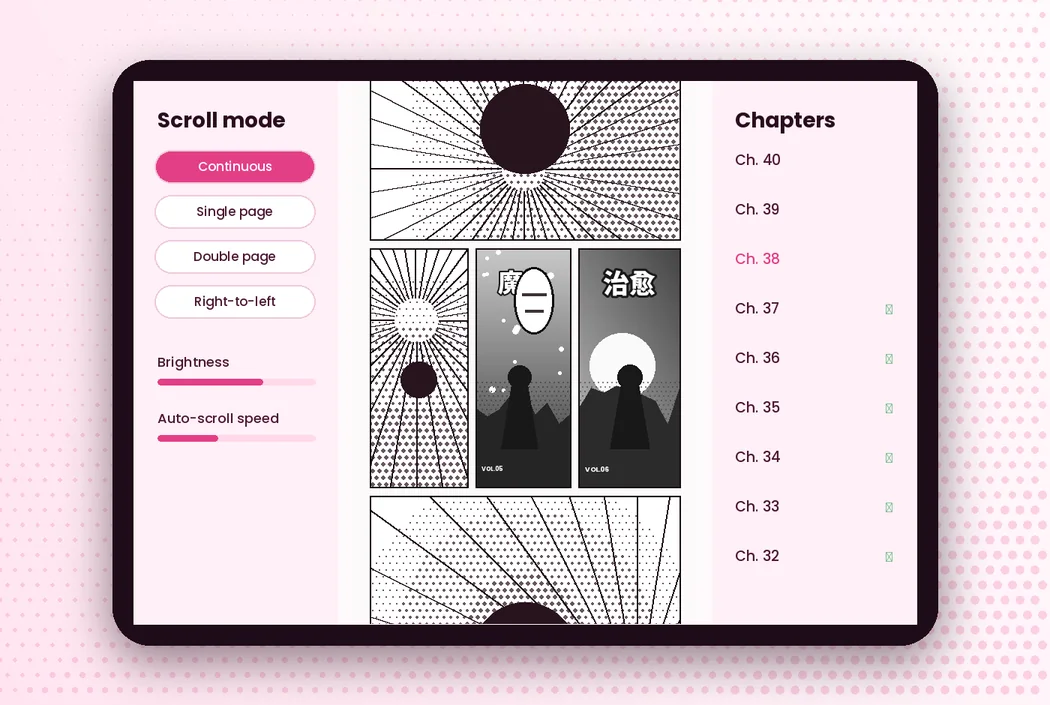
Single page, double-page spread, right-to-left and continuous scroll for long-strip comics.

Queue whole series; interrupted chapters continue exactly where they stopped.

Favorites and history stay on your account and appear on every device you sign in to.

A built-in speed test picks the fastest route, with HTTP and SOCKS5 proxy fields in-app.

Find titles, authors and tags quickly, then filter by category and sort by popularity.

Read and post comments and join chat rooms without leaving the client.

A dark interface for late reading, a bright one for daytime, with high-DPI scaling.
Four simple stages take you from a fresh install to a library you will actually enjoy.
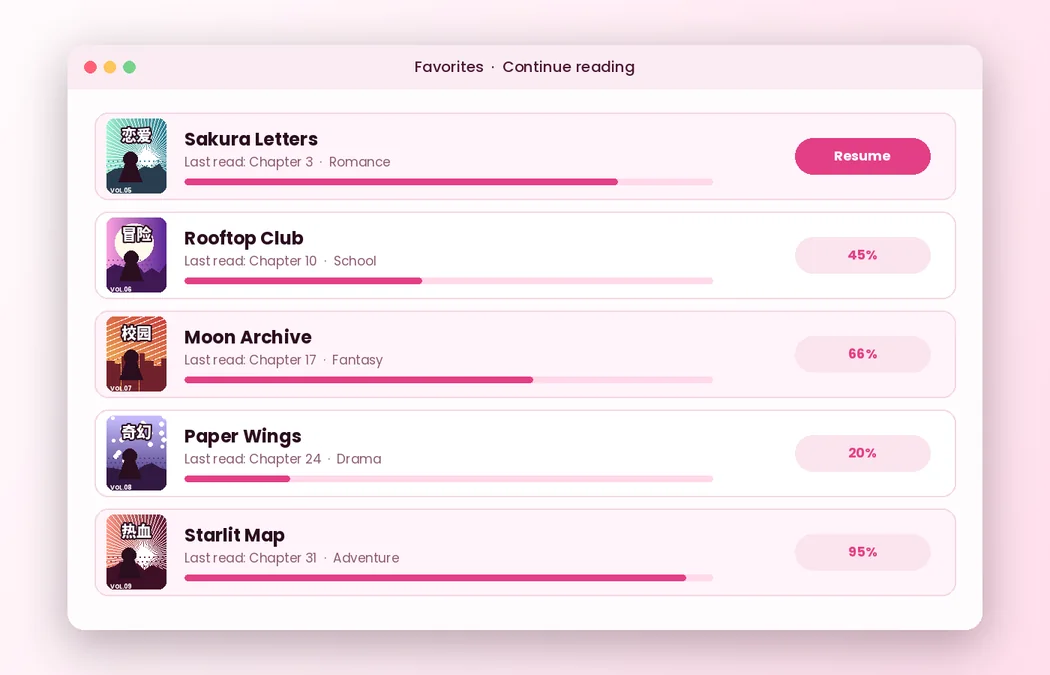
Log in with your PicACG account. The client connects through the line you choose and loads your profile.
Browse rankings, categories and search. Hide categories you never want and the feed gets sharper.
Favorite series and queue chapters. Downloads land in your folder, optionally upscaled.
Open any chapter online or offline in the layout that suits it, and resume exactly where you left off.
Choose your platform. Each path uses the official source and needs no account beyond PicACG itself.
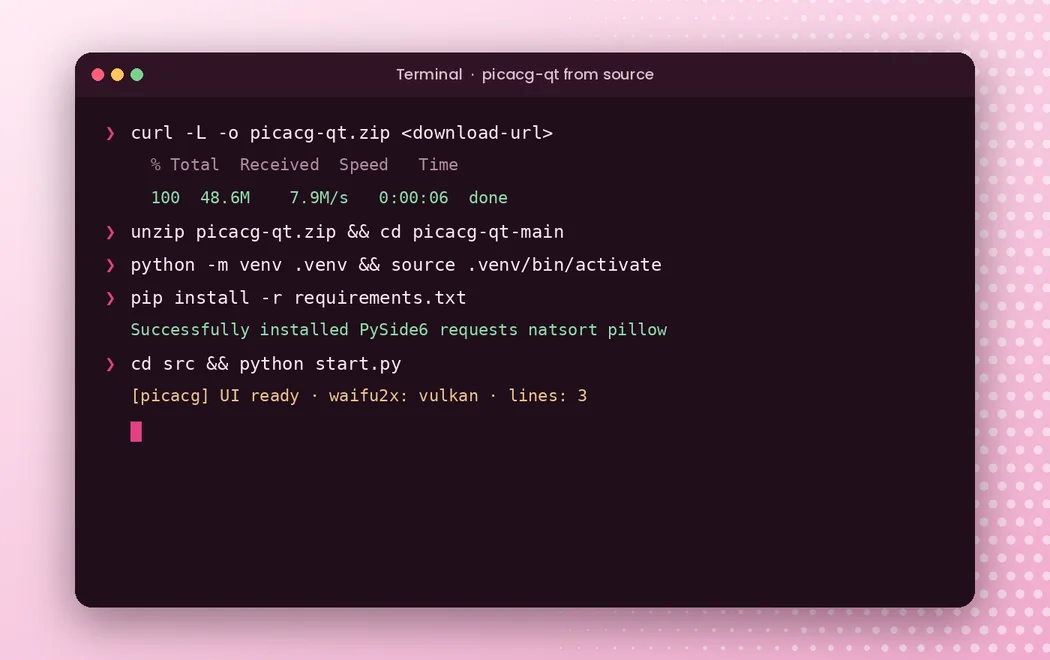
picacg-qt-main.zip and extract it to a local folder such as C:\Apps.src.python -m venv .venv
.venv\Scripts\activate
pip install -r requirements.txt
cd src && python start.pypicacg-qt-main.zip into your home folder.src; allow network access if macOS asks.python3 -m venv .venv
source .venv/bin/activate
pip install -r requirements.txt
cd src && python start.pygit clone https://github.com/tonquer/picacg-qt.git
cd picacg-qt && python3 -m venv .venv
source .venv/bin/activate
pip install -r requirements.txt
cd src && python start.pyPrefer to compile it yourself? Run git clone https://github.com/wgh136/PicaComic and build with Flutter.
Whether it is ten minutes on a commute or an entire weekend series, PicACG adapts.

Queue every chapter, read offline in double-page mode and never wait for the next page.

Start on desktop, continue on PicACG 3.0 Android with the same favorites and history.

Upscale artwork for 1440p and 4K monitors, where small speech text finally reads clearly.

Build a tidy local collection, back it up and keep favourite works safe from link rot.

Follow PicACG GitHub, pull updates with git and read exactly what the code does.

Pair PicACG with Jcomic in a multi-source reader and keep both libraries in one app.
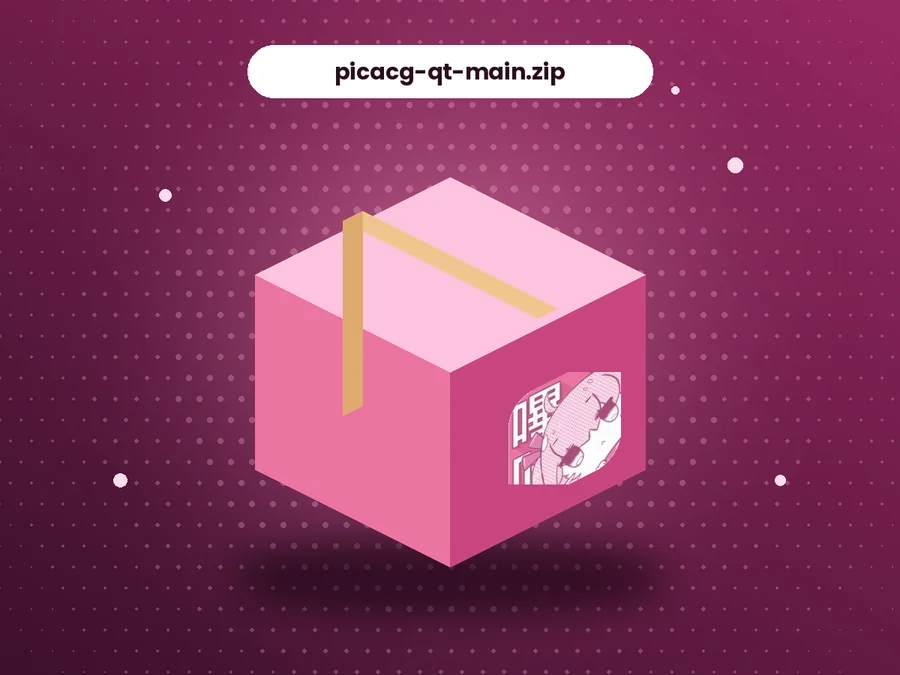
The download is the official main-branch archive from PicACG GitHub. It always reflects the latest code and runs the same way on every desktop system.
Android readers: follow the Android tab in the installation section above for the PicACG 3.0 APK route.
How the main readers in the PicACG ecosystem compare, so you can pick the right one for each device.
| Capability | PicACG desktop (picacg-qt) | Pica Comic 3.x | Jcomic desktop (JMComic-qt) | Venera |
|---|---|---|---|---|
| Platforms | Windows, macOS, Linux | Android, iOS, desktop | Windows, macOS, Linux | Android, desktop |
| PicACG catalogue | Native | Built-in source | No | Via comic source |
| Jcomic catalogue | No | Built-in source | Native | Via comic source |
| Waifu2x upscaling | Yes, Vulkan GPU | Limited | Yes | Limited |
| Offline downloads | Yes, resumable | Yes | Yes | Yes |
| Technology | Python, PySide6 | Flutter | Python, Qt | Flutter, JS sources |
| Status | Maintained on GitHub | Archived, builds remain | Maintained on GitHub | Active successor |
Most problems trace back to the network route, the Python setup or a graphics driver.
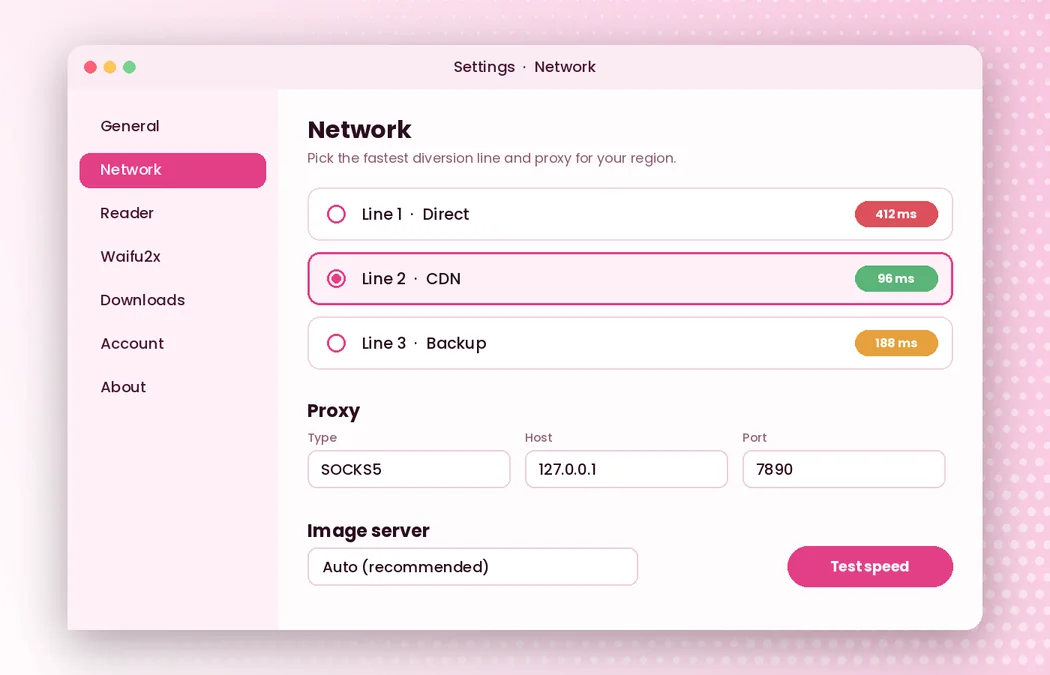
Open Settings → Network, run the speed test and switch the API line. Confirm your device clock is set automatically, then try once more.
Change the image line separately from the API line, clear the image cache and check that the drive holding the cache has free space.
Reinstall Python with Add to PATH ticked, and turn off the python.exe App execution aliases so the Microsoft Store does not intercept the command.
Use 64-bit Python in a version PySide6 publishes wheels for, upgrade pip, then run the requirements install again.
Update the graphics driver so Vulkan is available, confirm the waifu2x package is in the same environment and select the dedicated GPU.
Pause the queue, pick the fastest image line and resume. Keep the computer awake, and on Android exclude the app from battery optimisation.
Modest hardware runs PicACG comfortably; a Vulkan GPU unlocks fast upscaling.


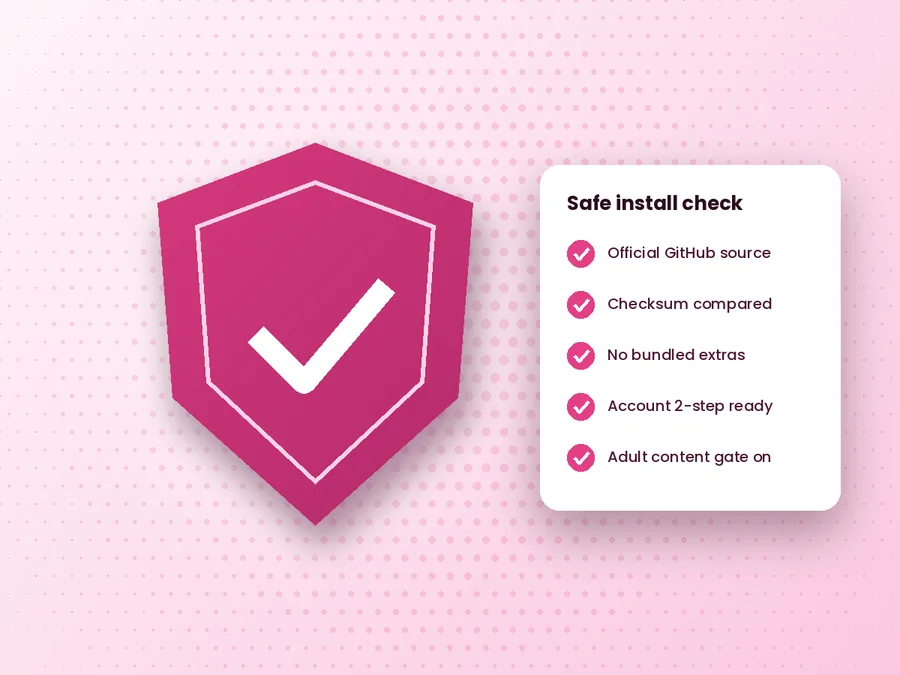
PicACG clients are open source, and a few simple habits keep your device and account protected.


Where PicACG shines and where it asks a little more of you.


The things readers ask most before and after installing PicACG.
PicACG is a comic platform known for its large catalogue of manga, manhua and doujin works, read through dedicated clients. On desktop, the most popular option is the open-source picacg-qt client for Windows, macOS and Linux; on Android, readers typically use the 3.x generation of the Pica Comic app.
Yes. The desktop client's source code is free on GitHub under the LGPL-3.0 licence, and its source archive is available on GitHub.
The desktop client runs on Windows 10 and 11, macOS and modern Linux distributions through Python and PySide6. Android is covered by the Pica Comic app line, including the widely used PicACG 3.0 Android builds.
Yes. Browsing, favorites, comments and downloads all require signing in with a PicACG account. Your favorites live on the account, so they follow you between devices.
Waifu2x is a neural-network upscaler trained on anime-style art. It sharpens low-resolution pages and removes compression noise. It is optional and needs a Vulkan-capable graphics card for good speed.
Yes. Chapters can be downloaded into a local library and read with no connection. Interrupted downloads resume rather than restart.
They are separate platforms with separate accounts. Jcomic usually refers to the JM catalogue, which has its own desktop client from the same developer and appears as a source in multi-source readers.
Usually the network route is congested. Open the network settings, run the speed test and switch to the fastest API and image line. A trusted proxy helps on networks that filter traffic.
Install only from the official GitHub repositories, avoid repackaged builds from mirror sites and use a unique password. The source archive is generated by GitHub directly from the visible code.
No. The catalogue includes mature content, so it is intended for adults. Use category filters and your device's app lock if others share the device.