Streaming pages is convenient right up to the moment the connection drops. A train enters a tunnel, hotel Wi-Fi slows to a crawl, or a mobile data allowance runs out halfway through the month. PicACG offline downloads solve all of that, but only if your library is organised well. A pile of unsorted chapters spread across random folders is almost as frustrating as no download at all.
This guide shows how downloading works in the PicACG clients, how to plan storage, how to name and structure folders so your library stays tidy for years, how to back it up and how to keep everything in sync across desktop and mobile.
How Downloading Works in PicACG Clients
Both the picacg-qt desktop client and the Android reader treat downloads in a similar way:
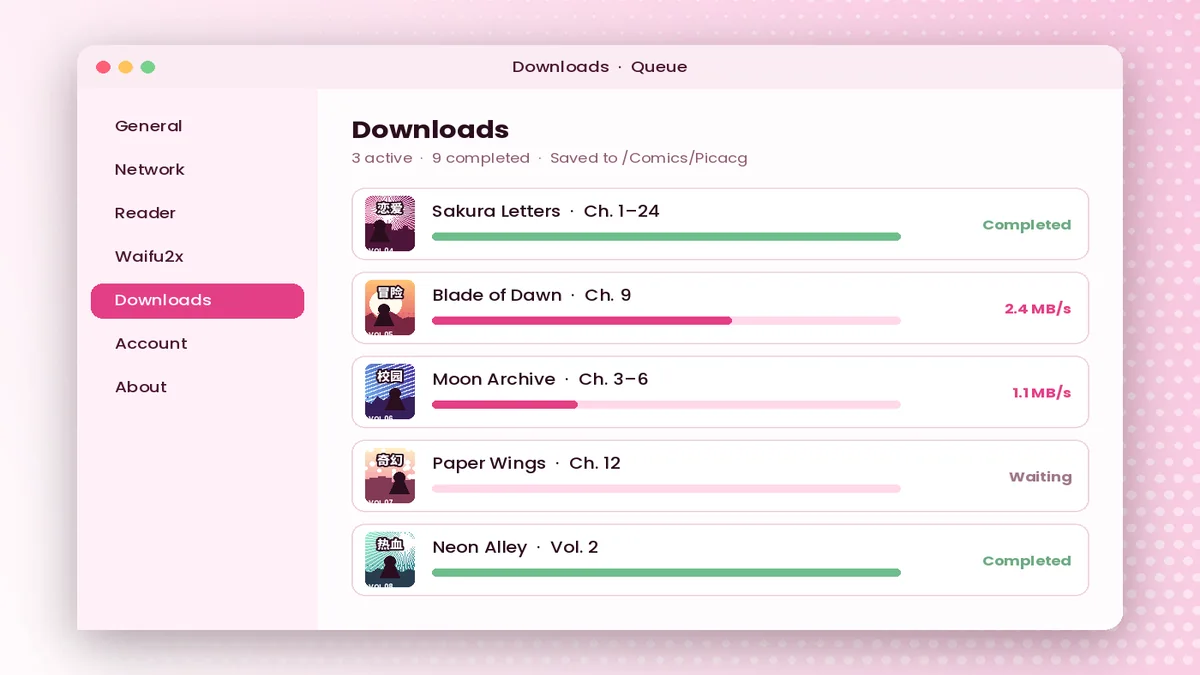
- You choose a comic and select one or more chapters, called episodes on PicACG.
- The client adds them to a download queue and fetches each page image in turn.
- Completed chapters are saved in your download directory and appear in the local library.
- Interrupted chapters resume from where they stopped rather than starting again.
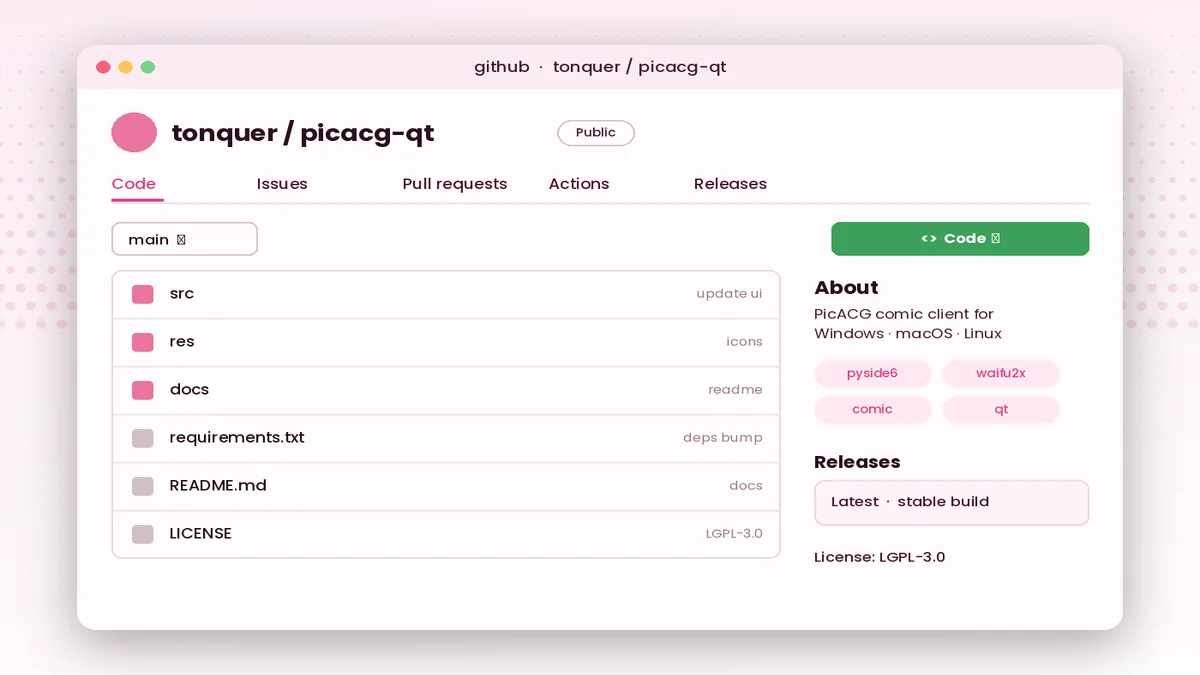
The desktop client adds a few extras: queues can be large and run in the background while you read, and pages can optionally be upscaled with waifu2x as they download. Its dependency list also includes libraries for SMB and WebDAV, which are used to work with comics stored on network locations rather than only on the local disk.
Planning Your Storage
Before downloading anything substantial, decide where your library will live and how much space it needs.
Estimating sizes
| Content type | Typical size per chapter | Notes |
|---|---|---|
| Black-and-white manga, standard quality | 10 to 30 MB | Most common |
| Colour pages or full-colour comics | 30 to 80 MB | Larger images |
| Long-strip webtoon episode | 20 to 60 MB | Very tall pages |
| Waifu2x 2x upscaled chapter | Two to four times the original | Depends on compression |
A 100-chapter series can therefore range from about 1 GB to well over 10 GB depending on format and processing. Plan accordingly.
Choosing a drive
- SSD: fastest page loading and quick library scans. Ideal for the series you are actively reading.
- Large HDD: excellent for an archive of completed series.
- Network storage (NAS): convenient for sharing one library across several devices on a home network.
- Avoid cloud-synced folders as the direct download target. Sync clients lock and upload files while the reader is writing them, causing slowdowns and occasional corruption. Download locally, then copy finished series into synced storage if you want cloud backup.
Setting the Download Directory
Change the download location before your first download, not after you have hundreds of chapters scattered in the default folder.
On desktop: open settings, find the download section and select a folder such as D:\Comics\PicACG on Windows, ~/Comics/PicACG on macOS or Linux.
On Android: choose a custom directory in the download settings if you want files to be visible to other apps or easily backed up. On Android 10 and newer, apps otherwise store downloads in their own private storage.
A Folder Structure That Scales
Clients generally create one folder per comic and one subfolder or archive per chapter. You can build on that with a top-level structure that separates reading status:
Comics/
  PicACG/
    Reading/
    Completed/
    Archive/
  Jcomic/
Exports/- Reading holds series in progress. Keep only a few chapters ahead of your position.
- Completed holds finished series you plan to reread.
- Archive holds older series kept for collection purposes, ideally on a larger, slower drive.
- Exports holds converted copies for other readers or devices.
If you prefer the client to manage its own structure, leave its folder untouched and use this layout for exported or archived copies instead. Mixing manual moves with a client's internal database can confuse its library view.
Building Good Download Habits
Download a few chapters ahead
Rather than downloading an entire 200-chapter series immediately, download ten or twenty chapters beyond where you are reading. You save storage, spread bandwidth over time and avoid holding chapters you may never reach if the series does not hold your interest.
Use the queue wisely
Large queues are efficient, but they are also where interruptions happen. Order the queue so the chapters you will read first download first. Pause the queue when you need bandwidth for something else, and resume it later.
Choose image quality deliberately
PicACG offers multiple image qualities. Original quality looks best on large screens; medium or low quality saves a great deal of space and is perfectly readable on a phone. Some readers keep two libraries: original quality on the desktop and lower quality on the phone.
Decide on upscaling up front
If you plan to read a series on a large monitor, upscaling at download time saves GPU work later. If the series will mostly be read on a phone, skip upscaling to save space.
Keeping the Library Tidy Over Time
A library is only pleasant to use if it stays organised. A short monthly routine is enough:
- Move finished series from Reading to Completed.
- Delete chapters you have read in series you will not reread.
- Check for incomplete downloads in the client's queue view and either resume or remove them.
- Review storage usage and move older series to the Archive drive.
Most clients show download status per chapter. A chapter that remains partially downloaded for weeks usually indicates a page that failed repeatedly; deleting and re-downloading it typically fixes the problem.
Backing Up Your Library
Downloaded comics represent hours of bandwidth and careful curation. Protect them with a simple backup approach.
The 3-2-1 idea, simplified
- Keep your main library on your computer or NAS.
- Keep a second copy on an external drive that you update periodically.
- Optionally keep a third copy offsite or in cloud storage for series that matter most.
Tools that help
- Windows: File History or a sync tool such as FreeFileSync to mirror folders to an external drive.
- macOS: Time Machine covers your Comics folder automatically if it lives in your home directory.
- Linux: rsync performs fast incremental copies:
rsync -av --delete ~/Comics/ /media/backup/Comics/Run backups when no downloads are active, so you never copy half-written chapters.
Syncing Between Desktop and Mobile
Favorites and reading history live on your PicACG account, so they sync automatically between clients once you sign in. Downloaded files do not, because each device stores its own copies. A few strategies keep devices aligned:
- Download separately on each device. Simple and reliable; use lower quality on the phone.
- Copy finished series to the phone over USB or a file-sharing app, then open them as local comics if your mobile reader supports importing.
- Use network storage. A NAS reachable over SMB or WebDAV lets the desktop read from a shared library, and many mobile readers can browse the same share for local files.
Whichever method you choose, keep the account as the single source of truth for what you are reading and where you left off.
Exporting for Other Readers and E-ink Devices
Sometimes you want to read downloaded comics in a different app or on an e-reader. Common formats include:
| Format | Description | Best for |
|---|---|---|
| Folder of images | Raw pages in order | Universal compatibility |
| CBZ | ZIP archive of images with a .cbz extension | Most comic reader apps |
| Single document per chapter or volume | Tablets and general readers | |
| EPUB | E-book format with fixed-layout pages | Some e-readers |
A folder of images can be converted to CBZ by zipping it and renaming the extension. For e-ink devices, convert colour pages to greyscale and resize them to the device resolution with a dedicated comic conversion tool; files become smaller and pages turn faster.
Troubleshooting Downloads
| Problem | Cause | Fix |
|---|---|---|
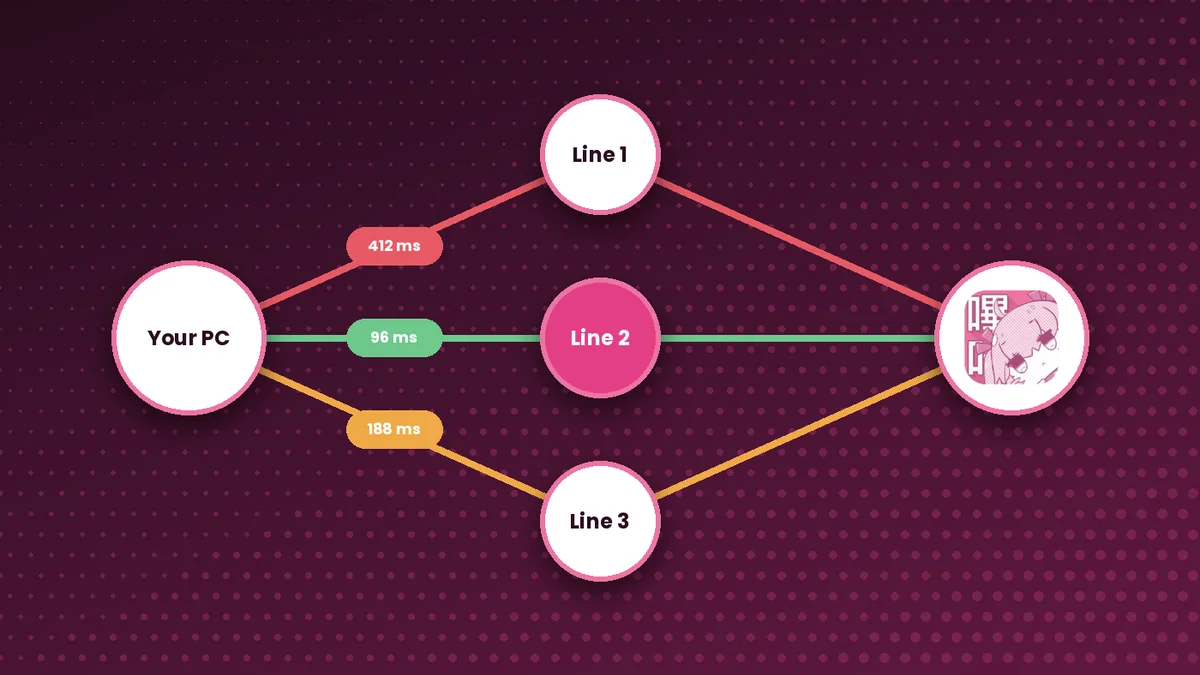
| Downloads stall at a certain percentage | One page repeatedly failing | Switch image line, then retry the chapter |
| Queue stops when the screen turns off (Android) | Battery optimisation | Set the app's battery usage to unrestricted |
| Queue stops overnight (desktop) | Computer sleeping | Adjust power settings during large queues |
| "Permission denied" when saving | Folder protected or synced | Choose a local folder you own outside cloud sync |
| Library shows chapters that will not open | Incomplete or corrupted files | Delete and download again |
| Disk filling unexpectedly | Upscaled downloads or original quality | Review quality and upscaling settings; archive older series |
Respecting Creators and Platform Rules
Offline downloads are intended for personal reading. Keep your library private, do not redistribute downloaded chapters, and support creators when official releases are available in your region. Responsible use helps keep the platforms and the community tools around them healthy.
Naming Conventions That Last
Clients name downloaded folders automatically, but exported and archived copies are your responsibility. A good naming convention makes any library searchable for years.
- Use the comic's commonly known title, not an abbreviation that will mean nothing later.
- Zero-pad chapter numbers:
Chapter 001,Chapter 002, so sorting is always correct. - Add volume numbers when a series is organised into volumes:
Vol 03 - Chapter 021. - Avoid characters that some systems reject, such as colons, question marks and slashes.
- Keep titles in one language per library, or include both in a consistent pattern such as
Original Title (English Title).
Consistent names also make your library compatible with comic management tools that read metadata from folder and file names.
Using a NAS for a Shared Library
A network-attached storage device turns your comic collection into a household resource. Store completed series on the NAS, share the folder over SMB, and every computer on the network can read from it. Many mobile comic readers can browse SMB or WebDAV shares directly, which means your phone can read the same files when you are at home.
When working this way, keep active downloads on the local drive and move finished chapters to the NAS on a schedule. Writing many small image files directly over the network is slower and more prone to interruption than copying finished folders in one operation.
Cleaning Up Without Losing Anything Important
Storage fills gradually, and cleanup is easier when it follows rules rather than mood.
| Rule | Action |
|---|---|
| Finished and unlikely to reread | Delete local files; keep it in favorites as a record |
| Finished and loved | Move to Completed, include in backups |
| Abandoned after a few chapters | Delete downloads and remove from favorites |
| Ongoing but paused | Keep a few chapters, delete the rest |
| Upscaled duplicates | Keep the upscaled copy only, if storage allows |
Before deleting anything, glance at your backup to make sure series you care about exist in a second location.
Reading Offline on the Go
Before a trip, run a short checklist. Download the next chapters of everything you are reading over Wi-Fi. Open one downloaded chapter in airplane mode to confirm it works. Charge your phone and bring a power bank, because reading with high brightness drains batteries quickly. Lower the image quality setting before downloading if storage on the phone is limited. With those steps done, a long flight becomes a comfortable reading session rather than a search for a signal.
Summary
A well-run PicACG offline library begins with one decision: choose a dedicated, local download directory before you start. Download a few chapters ahead rather than entire series, pick image quality and upscaling to suit the device you read on, tidy the library monthly and back it up to a second drive. Favorites and history follow your account automatically, while downloaded files stay where you put them. Do that, and losing your connection simply means it is time to read.
Frequently Asked Questions
Can I read downloaded comics without signing in?
Yes. Once chapters are stored locally, the local library opens them without any network connection.
Do downloaded chapters expire?
Files stored on your device do not expire. They remain until you delete them.
Why are some downloaded chapters much larger than others?
Colour pages, original-quality images, very tall webtoon strips and waifu2x upscaling all increase file size.
Can I move my download folder later?
Yes, but update the download path in the client's settings afterwards, and move the whole folder at once so the client's library remains consistent.
Will my downloads appear on my phone automatically?
No. Downloads are stored per device. Favorites and reading history sync through your account; files must be downloaded or copied separately.